Add an AI Image Generator to Your Mobile App
Let users create stunning images from text prompts. VibeFast includes DALL-E and Gemini integration, a beautiful gallery UI, and backend storage—ready for iOS and Android.
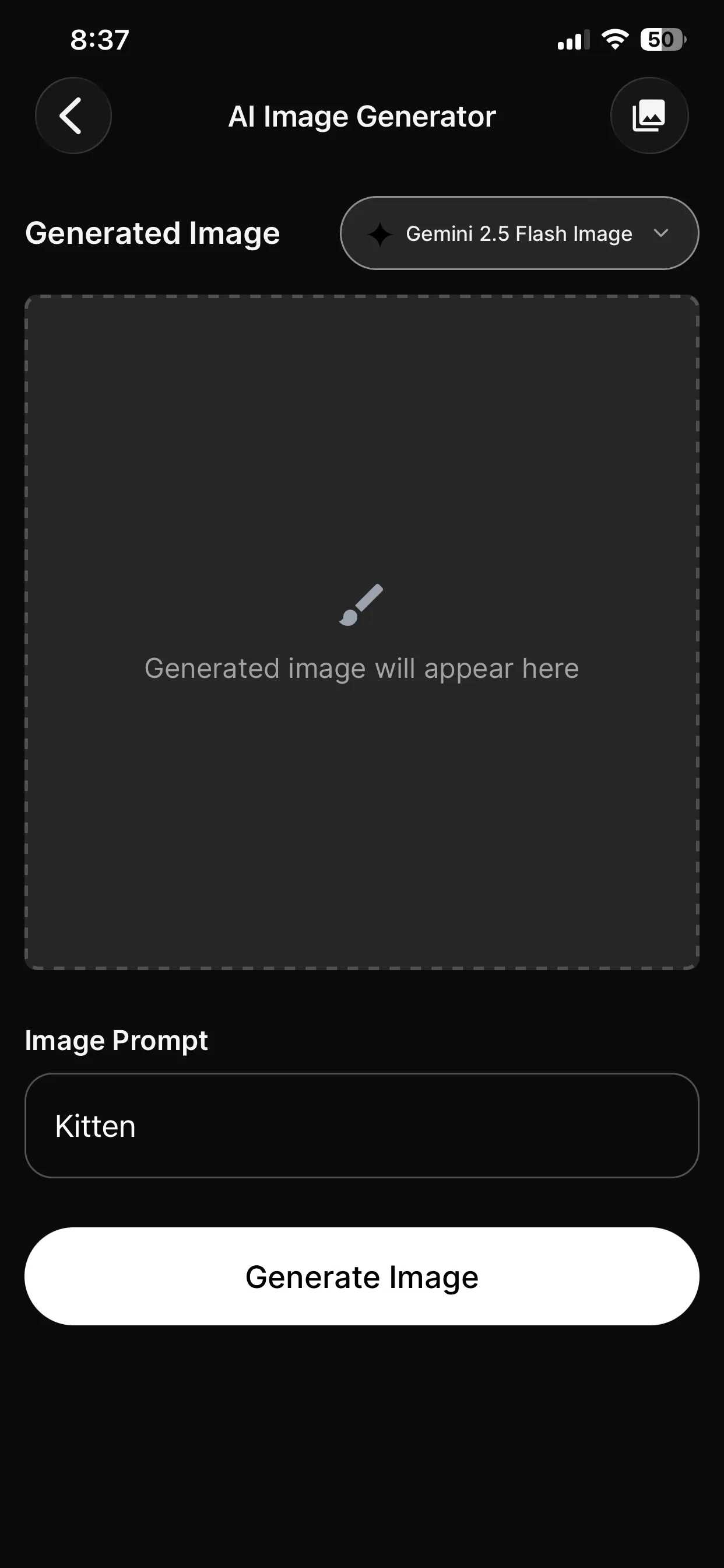
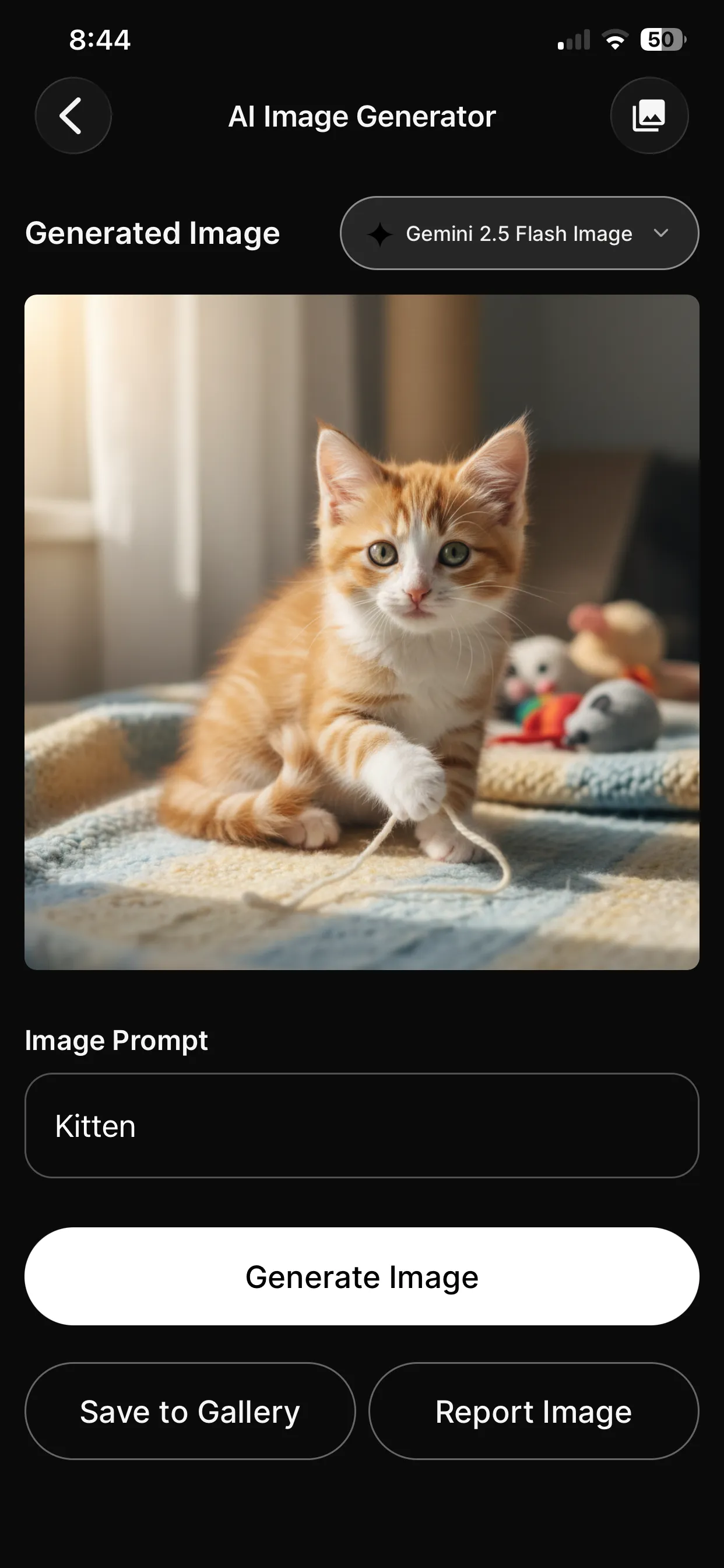
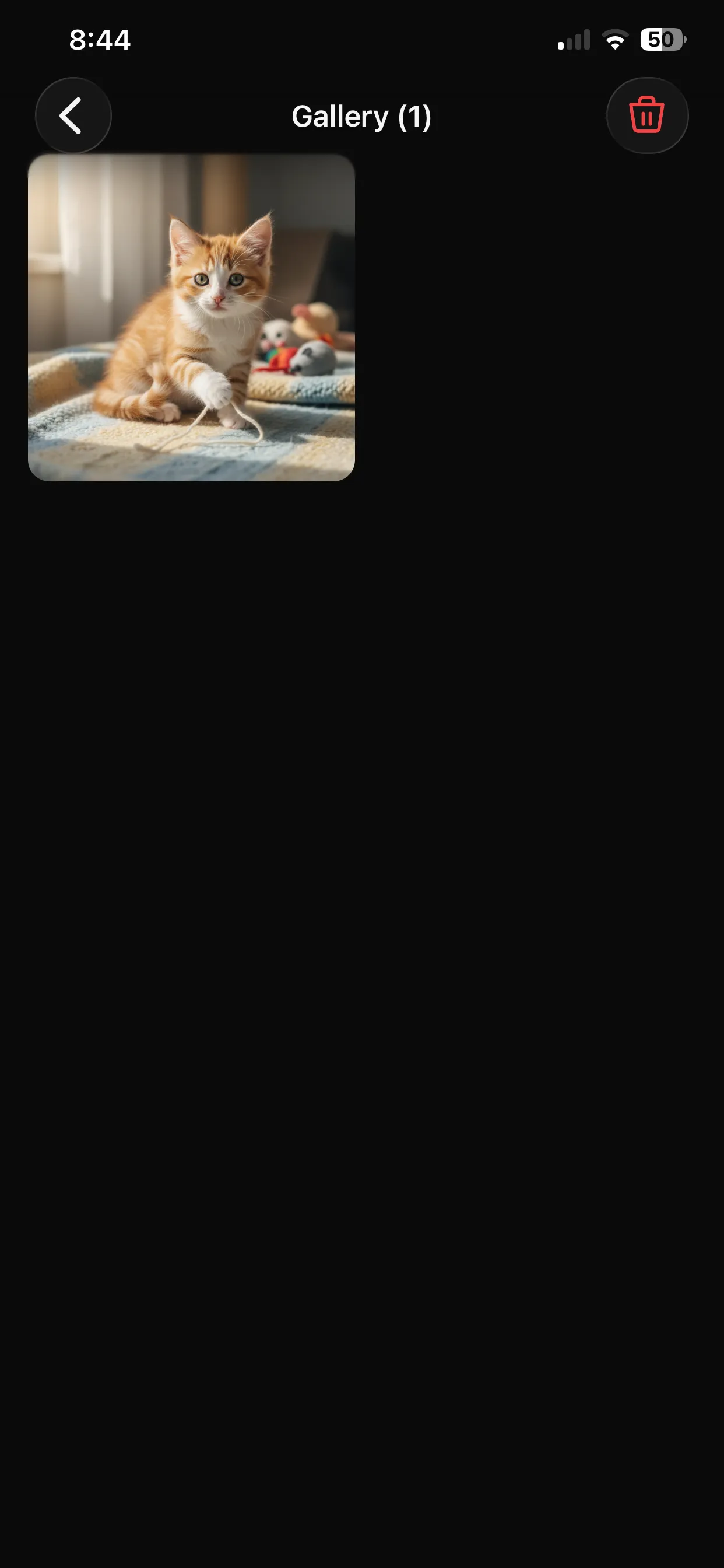
Complete Image Generation Stack
Not just an API call—the full experience from prompt to gallery.
Text-to-Image Generation
Generate stunning images from text prompts using OpenAI DALL-E or Google Gemini.
Multiple Providers
Switch between OpenAI and Gemini with an environment variable. No code changes needed.
Gallery UI
Beautiful gallery view to browse and select generated images with smooth animations.
Generation History
Track all generated images with prompts and timestamps. Backend integration included.
Save & Download
Save images to device camera roll or share directly to other apps.
Share Functionality
Built-in share hooks for social media and messaging apps.
What's Included
Simple Integration
Generate images with a few lines of code.
import { useImageGenerator } from "@/features/image-generator/hooks/use-image-generator";
import { useImageGeneratorSettings } from "@/features/image-generator/hooks/use-image-generator-settings";

export default function CreateScreen() {
  const { settings, isSettingsLoaded } = useImageGeneratorSettings();

  const {
    prompt,
    setPrompt,
    handleGenerateImage,
    isLoading,
    generatedImageData
  } = useImageGenerator({ settings, isSettingsLoaded });

  return (
    <View className="flex-1 p-4">
      <PromptInput
        value={prompt}
        onChangeText={setPrompt}
        onSubmit={handleGenerateImage}
      />

      {isLoading && <GeneratingSpinner />}

      {generatedImageData && (
        <ImagePreview
          imageUri={generatedImageData.imageUri}
          provider={generatedImageData.provider}
        />
      )}
    </View>
  );
}// API client for image generation
import { imageGeneratorApi } from "@/api-client/image-generator";
// Generate an image
const result = await imageGeneratorApi.generate({
prompt: "futuristic city at night with neon lights",
provider: "openai",
});
// Get user's generation history
const history = await imageGeneratorApi.getHistory();
// Delete an image
await imageGeneratorApi.delete(imageId);Save Weeks of Development
| Feature | VibeFast | From Scratch |
|---|---|---|
| OpenAI DALL-E integration | 1-2 days | |
| Google Gemini integration | 1-2 days | |
| Prompt UI and model selector | 1 day | |
| Gallery and history views | 2-3 days | |
| Backend storage | 1-2 days | |
| Save and share flows | 1 day | |
| Provider switching logic | 1 day | |
| Total Time | Ready today | 1-2 weeks |
Frequently Asked Questions
Which AI providers are supported?
VibeFast supports DALL-E 3, GPT Image 1, and Gemini 2.5 Flash Image. You can switch between these models instantly via the settings. The architecture abstracts the provider differences, giving you a unified API for generation.
How do I control costs?
The backend includes hooks for tracking generation counts and costs. You can implement rate limiting in the backend functions, require premium subscriptions for AI features, or set per-user limits. The telemetry hooks help you monitor usage patterns.
Can users save and share generated images?
Yes. VibeFast includes save-to-camera-roll functionality and share hooks for iOS and Android. Users can download their creations or share directly to social media, messages, or other apps using the native share sheet.
Where are generated images stored?
Images are stored in Convex or Supabase storage with references in the database. Each generation record includes the prompt, provider used, timestamp, and file URL. You can configure retention policies if you want to auto-delete old images.
How fast is the image generation?
Generation time depends on the provider and model. DALL-E typically takes 5-15 seconds, and Gemini is similar. The UI shows a loading state with progress indication, and the architecture supports cancellation if the user navigates away.
Can I customize the image generation prompts?
Yes. You can add system prompts to guide the generation, create prompt templates for specific styles, or implement prompt enhancement. The prompt is passed directly to the provider, so you have full control over the input.
Ready to Add AI Image Generation?
Get VibeFast and let your users create amazing images.
One-time purchase. Lifetime updates. Commercial license included.